
Tornado Interceptor Lab Wiki
Fan-made map of codes, builds, guides, players, tools, and Beta updates for Arvexa studio’s storm lab.
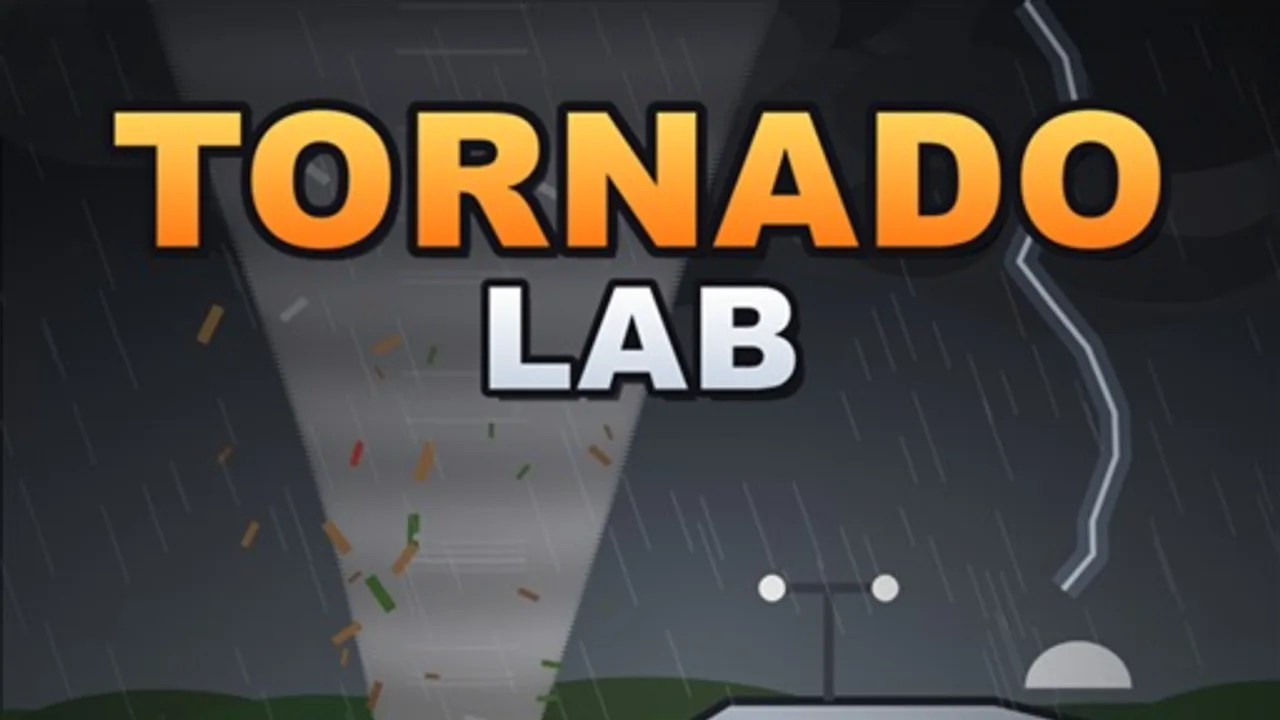
This Wiki Hub is the about / links home for Tornado Interceptor Lab [Beta] — a free Roblox Simulation / Vehicle Sim by Arvexa studio (group owned by dreamkevi1). Build armored interceptors in a lab, drive them into EF-rated tornadoes, earn cash and parts, repeat. The experience went early access on 4 November 2026, supports up to 10 players, and already sits near 1.69M visits with ~9.3k favorites.
This site is a fan resource, not an official Arvexa product. We prioritize verified facts, honest codes status, and practical build advice (especially: keep vehicles low so flaps cover the wheels).
Official links
- Play Tornado Interceptor Lab on Roblox — primary place page.
- Arvexa studio Roblox group — shouts, membership (~2773), ownership by dreamkevi1.
- UniverseId 10774715419 — for developers and asset tooling.
Always launch from the official Roblox page. Do not trust mirrored “private server” scam links.
Hub map
| Hub | What you get |
|---|---|
| Codes Hub | Honest empty status + Working Codes watchlist |
| Scripts Hub | Command menu + Safe Usage warnings |
| Tier List Hub | S–C interceptor archetypes |
| Guides Hub | Build, flaps, Dom 3, money loop, EF6 survival |
| Players Hub | Cad 1 Prototype, Raptor 3, community focus |
| Updates Hub | Beta launch, community meta, Patch Notes |
| Tools Hub | Parts checklist + Wind Threshold Chart |
Start here by goal
- Brand new: Getting Started → Controls → How to Build.
- Broke in the garage: Money Loop → mid-EF cash before cosmetics.
- Dying in wind: Flaps Deployment → Threshold Survival.
- Hunting rare EF6: Survive EF6 after you can fund repairs.
- Copying lobby flexes: Interceptor Builds → Cad 1 Prototype.
- Patch day / returning: Community Meta Watch → Beta Launch → Parts Checklist.
- Curious about cheats: read Scripts warnings first — then probably don’t.
Editorial rules
- No invented promo codes.
- No fake YouTube IDs — real embeds live on Getting Started, How to Build, Flaps, Dominator 3, Survive EF6, Cad 1, and Raptor 3.
- Internal links stay locale-agnostic with trailing slashes.
- Facts about release status and co-op stay aligned across pages.
How this wiki stays useful in Beta
Early access means advice ages in days. We emphasize durable skills — low stance, flap-over-wheel coverage, armor fill, abort discipline — over fragile number tables that Arvexa can invalidate with one physics hotfix. When population spikes toward a few thousand concurrent players, expect more Dominator clones, more Cad arguments, and more fake code lists; use the hubs above as filters.
If you are contributing mental notes from lobbies, prefer footage-backed claims. A single clean clip of flaps covering wheels teaches more than ten unverifiable mph screenshots. Also skim Parts Checklist and Interceptor Builds whenever you rebuild after a break.
Related reading
Dive into any hub above, or jump straight to How to Redeem Codes, Command Menu, How to Intercept, Parts Checklist, or Interceptor Builds if you already know your lane.
Welcome to the lab. Keep the chassis low, cover the wheels, and chase carefully.
Frequently Asked Questions
Quick answers for interceptor builds, flaps, and tornado intercepts.
Is this wiki official?
No. It is a fan-made guide site for Tornado Interceptor Lab. Official announcements come from Arvexa studio and the Roblox game page.
Where do I play the game?
On Roblox via the official Tornado Interceptor Lab place linked in the Official links section.
What should new players open first?
The Guides Hub Getting Started page, then How to Build and Flaps Deployment.
How can I suggest a correction?
Cross-check against live Beta behavior and Arvexa posts; community corrections that include footage help us update hubs quickly.